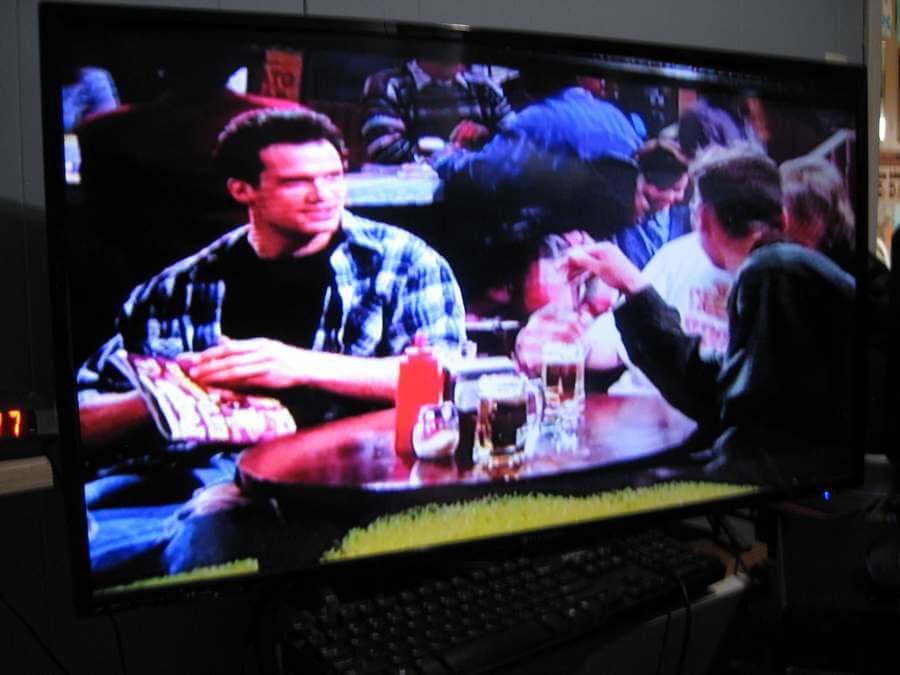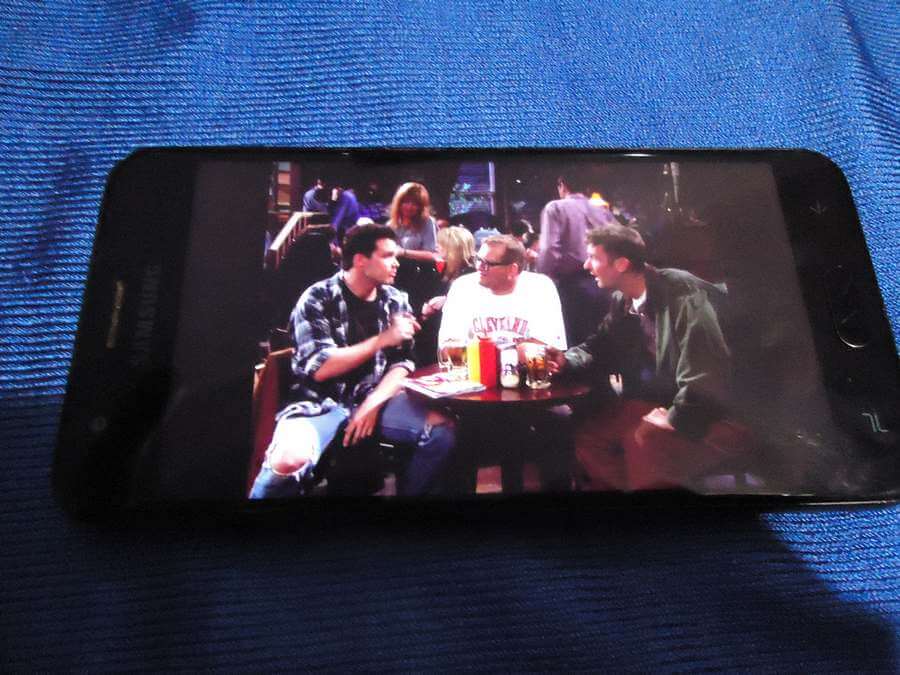
Its actually pretty easy to watch TV on your smartphone. Just go to the app store, depending on your phone and search for a TV app. A lot of stations have their own apps now so just search for your favourite channels.
My recommendations, but only because I was able to get them to work on my ancient “Galaxy J3 (2018)” android phone: Pluto TV, Plex, Tubi and CBC Gem. You may have to sign up and log in. Content may vary from border to border. WARNING: Free apps also means “ADS”.
So you download the apps, watch your program and the screen is to small. What if you want to watch these programs on a slightly larger screen like your TV? You can install apps directly to your smart TV. Or hook your phone up to your TV or computer. The port on my phone is broken so I can't hook it up to anything.
My TV is 42 inches but not a smart TV and I like it that way. But that means no network access. My phone is a “Galaxy J3 (2018)” and the charging port is shot. That’s the hole at the bottom where the USB cables plugs into. I had to buy a special adapter to charge up my battery. Read here.
davescomputertips.com/how-to-universal-android-battery-charger
So I can’t plug anything into anything. Well I can but it won’t work. I do remember seeing a little hack to transfer your phone screen to your TV, kind off.
What I’m going to do is to set my Android up to play a show, in this case, “The Drew Carey Show”. This show is broadcasting through the “Plex” app.
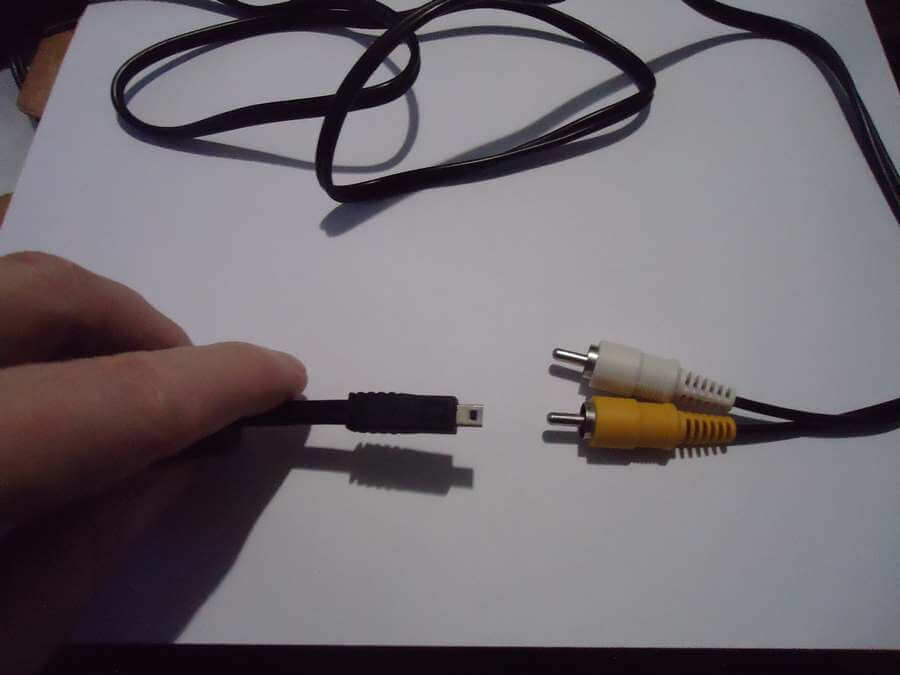
Now I need a wire to hook up my “Sony Cyber-shot” camera to my TV. I not sure of the actual name of the wire but it has a mini-USB plugin on one end (gets plugged into my camera) and two composite plugins on the other. The “White” is for sound and the “Yellow” is for video. Those get plugged into the TV.
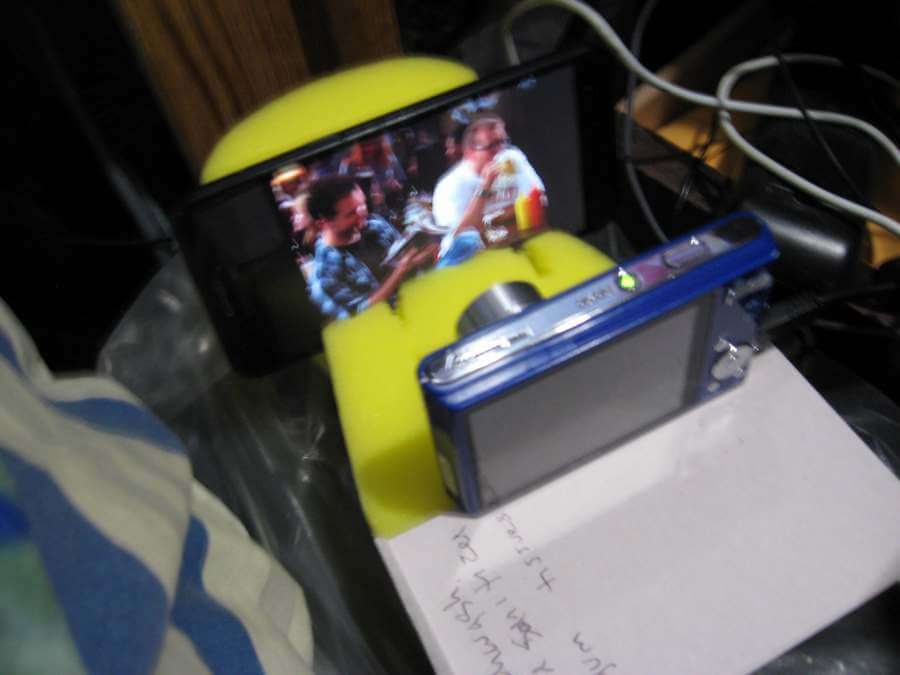
Now the hard part. My cable is a bit to short and trying to get the phone and camera line up just right, not so easy as I thought it would be. So I started up TV app, set it up so that my camera could be used to send feed from the phone through my camera to the TV.
That yellow in my picture is a sponge. I cut it to sink my phone in to hold it steady. Then I set my camera up in front facing my phone and turned it on. There is a physical switch on my camera to select between “photos” or “videos”. I set it to videos. I could have recorded at this point but I had no plans to. Besides my camera battery died and I have to wait for it to recharge.
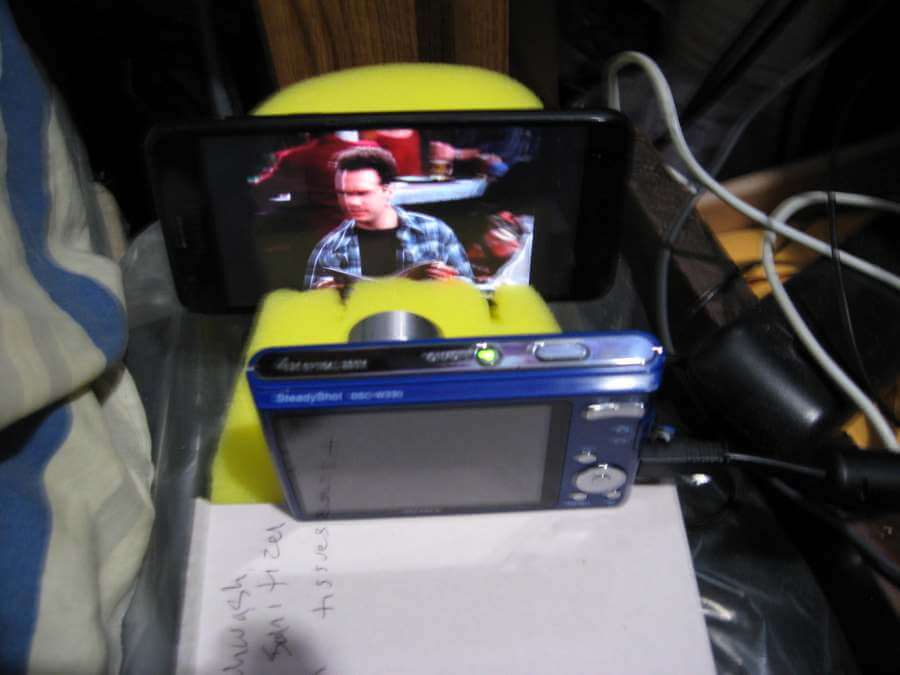
The end result. The video quality is not as bad as my picture makes it look.