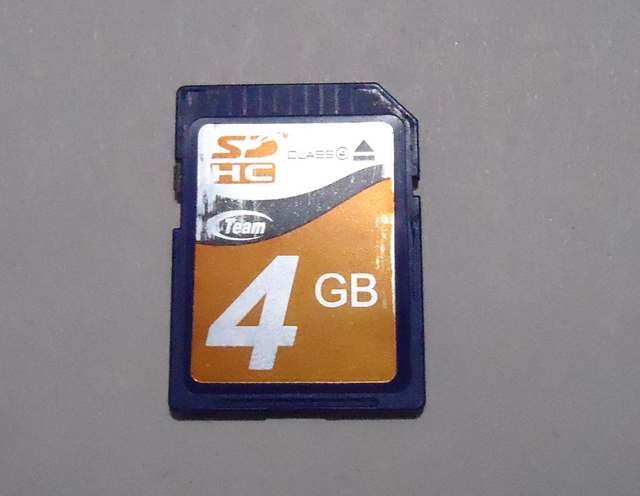
I started getting some error messages when copying photos from my SDHC card to my computer.
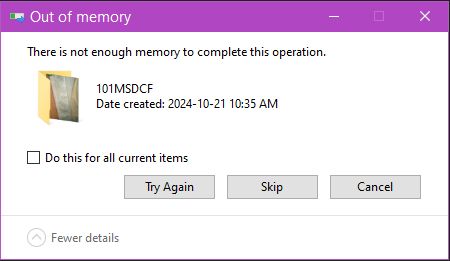
An “Out of memory” error:
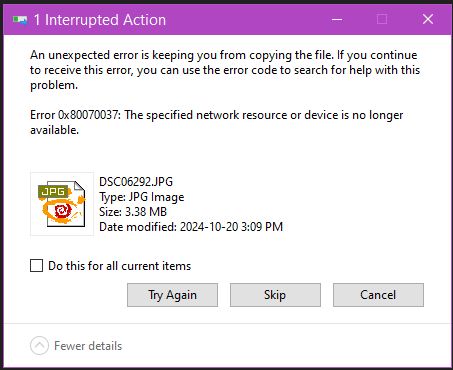
“Error 0x80070037: The specified network resource or device is no longer available.”
I tried formatting the card in Windows. I was able to format the disk no problem but the error kept popping up. I formatted the card through my camera. No issues with formatting or taking pictures.
I tried “chkdsk” scanning it through Windows by right-clicking on the drive in File Explorer, going to Properties, clicking on the “Tools” tab and then “Check”.
It tried to scan but it quit claiming it couldn’t repair the card.
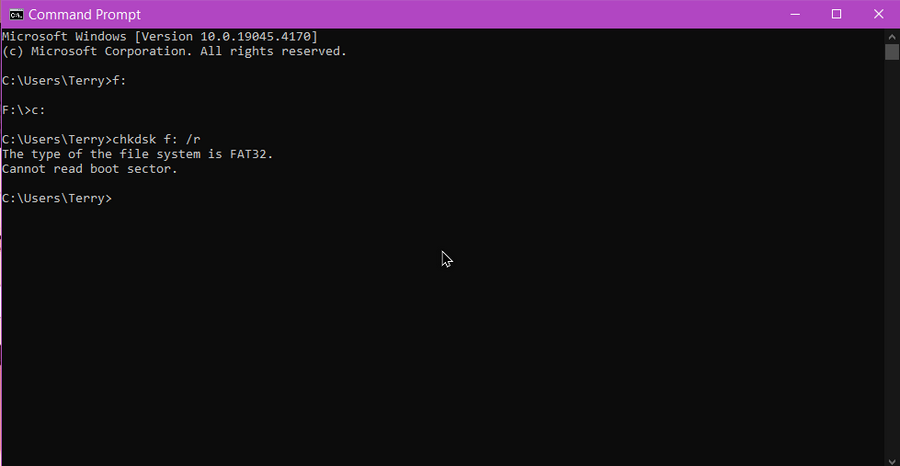
A scan through command prompt would error out with the message “Cannot read boot sector”.
“MiniTool Partition Wizard” said the drive was “Bad” but it wouldn’t give me any options to try and scan or repair the card.
“Windows Disk Management” said the drive was “Healthy” showing no issues. I deleted the partition and recreated it. No problems. Still marked as Healthy. Checking and scanning after produced the same error messages.
After doing some searching online, trying this and that, I found a solution that fixed the card.
Open up the Command prompt as an Administrator and do the following.
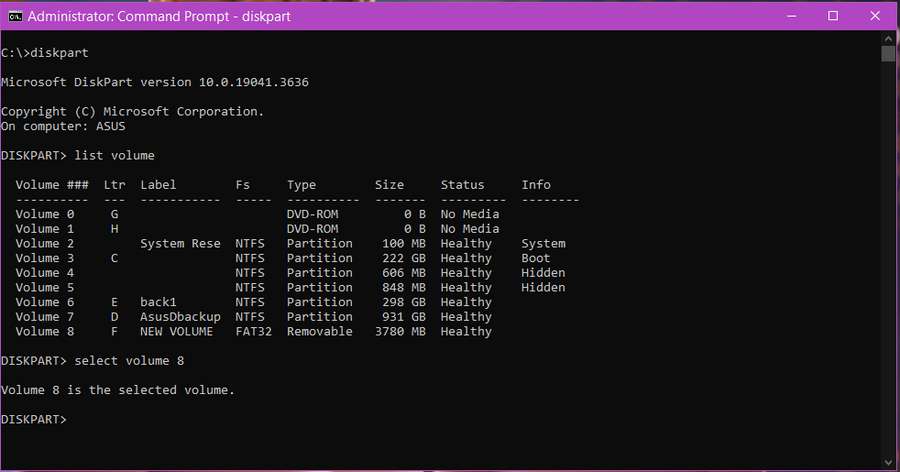
Type “diskpart” and press Enter. Don’t type the quotes in any of these commands.
Type “list volume”. All your connected drives will be listed.
Type “select volume X”. Replace the X with the number associated with your SD card. Here is an example from my computer. My SD card is Volume 8 so I would type “select volume 8”.
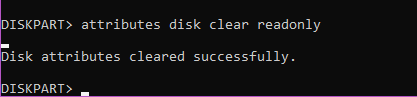
Type “attributes disk clear readonly” and hit Enter.
Then I left the prompt open as is and restarted my computer. When my computer finished booting up I removed my SD card and reinserted it again.
This time all scanners gave my card a clean bill of health. I have a second card that I’m using now and just in case I’m going to purchase a couple of replacements from Amazon.