I bought my Sister's Chrome book. The first thing I did was to reset it. There are two ways to do it depending on if you can get into the system or not.
Method # 1 - If you can't get into the system.
Time for some finger gymnastics. Press and hold the following keys at the same time:
Ctrl + Alt + Shift + R
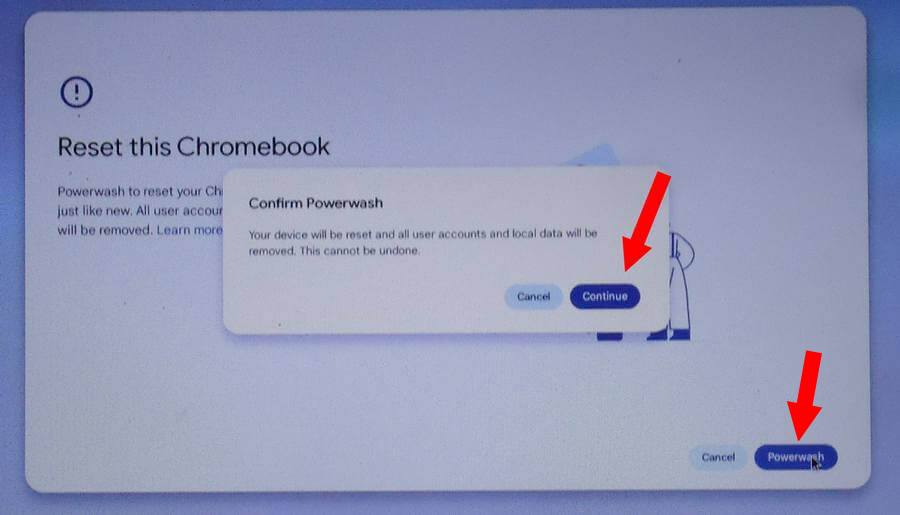
Hold until the “Reset this Chromebook” screen appears and then click on the “Powerwash” button.
Then in the “Confirm Powerwash” click on “Continue”.
Then it goes to a “Powerwash in progress screen”. Note: the system may restart a few times during this reset process.
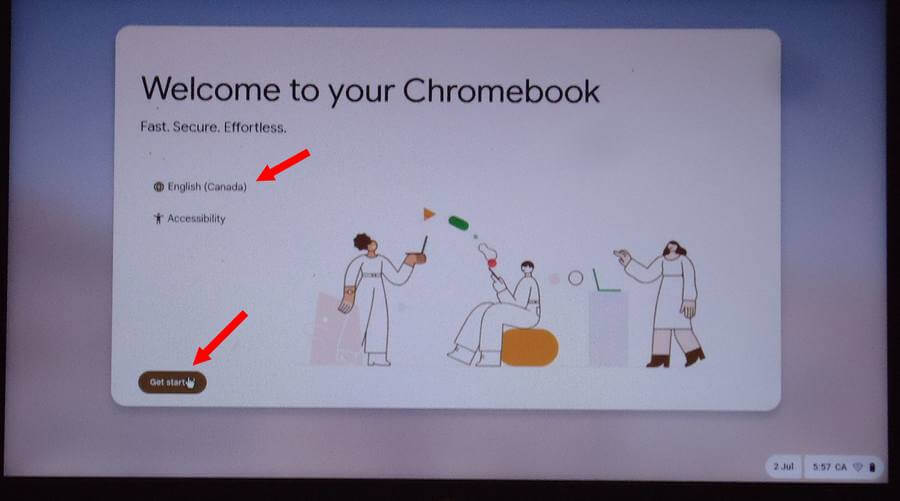
Then comes the first setup screen, “Welcome to your Chromebook”. Where it says “English (Canada)”, click on that to change to your preferred language. Otherwise click “Get started”.
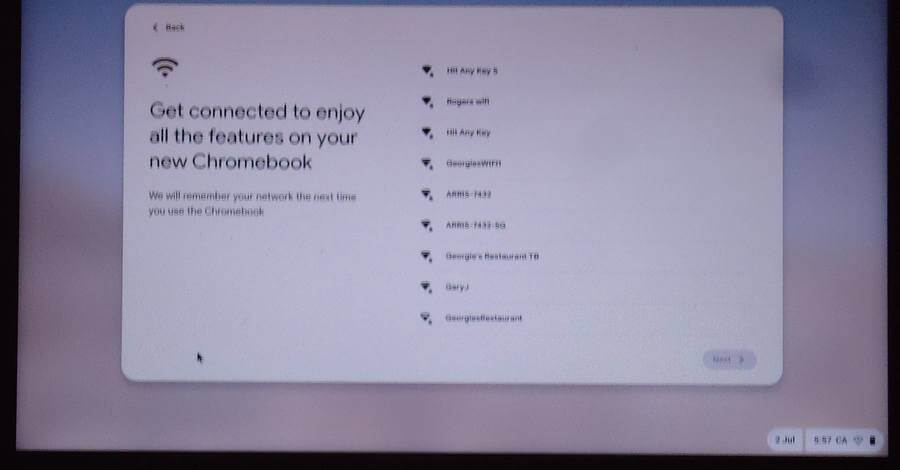
Connect to your wireless. You'll be prompted for your Password. Type it in and then click on “Connect”.
“Getting the device ready...” notice comes up next.
Then you are asked to “Choose your Chromebook's setup”. I selected “For personal use”. Then click on “Next”.

Then it starts “Installing the latest Updates”. It doesn't always appear right away but you'll eventually get an option to “Skip and remind me later”. Your choice. I just let the updates run first.
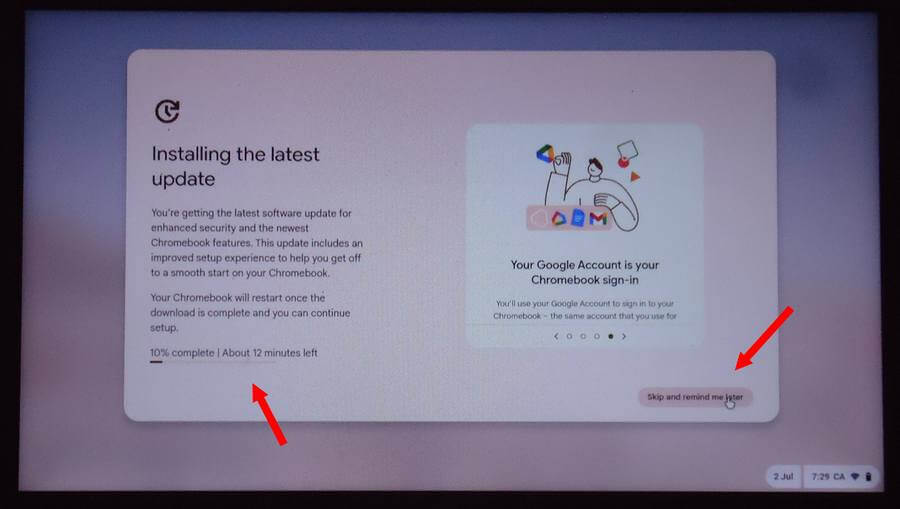
It restarted after that.
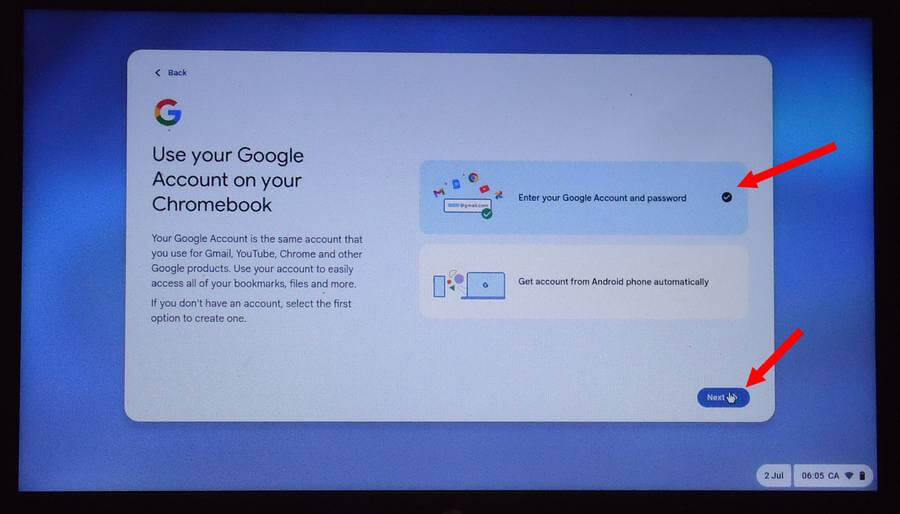
On the next screen after the reboot, “Use your Google Account on your Chromebook”, I selected “Enter your Google Account and password”.
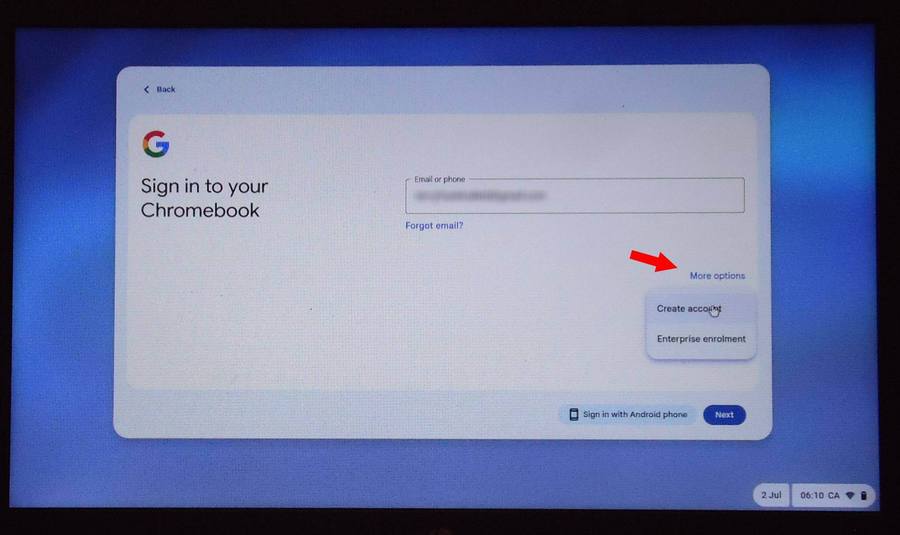
Then just sign into your Google Account with user email (or phone number) and password. If you don't have an account or want to create a new one by clicking on “More options” then “Create account”.
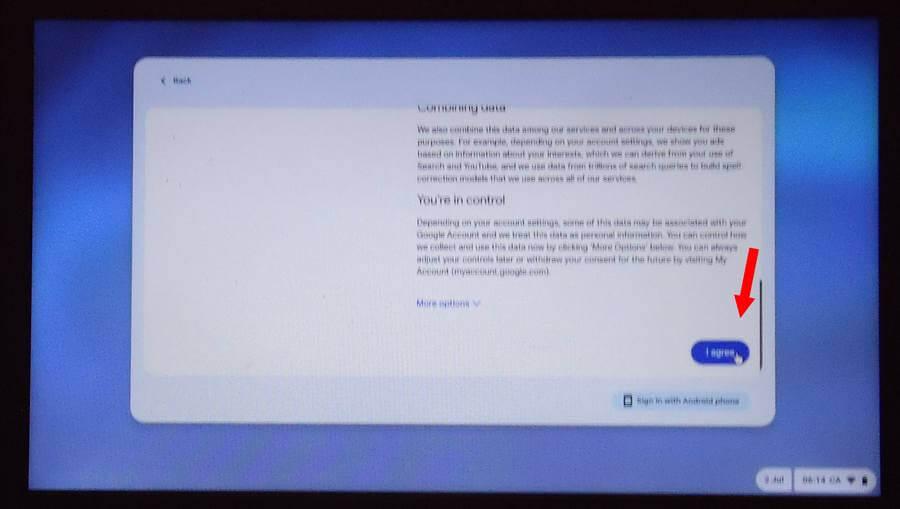
Scroll down through the license agreement and and click on “I agree”.
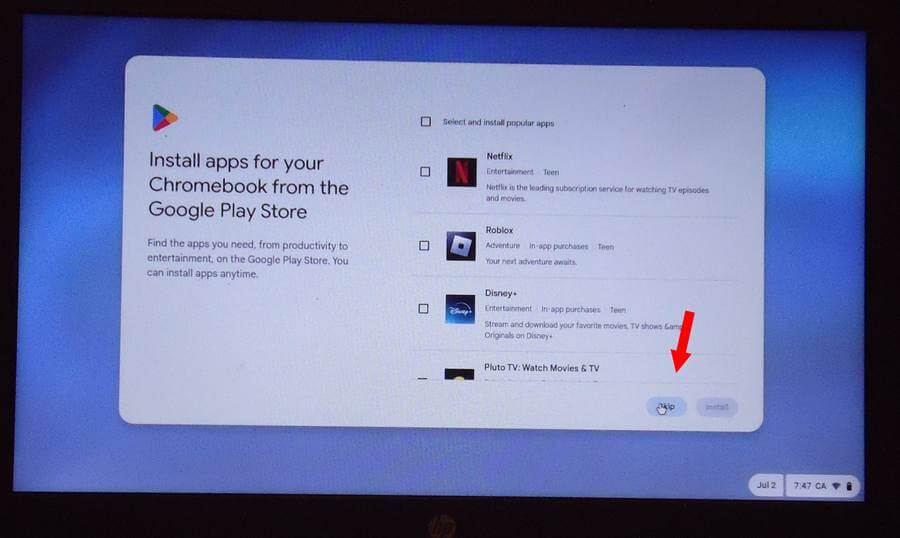
You'll get some options to install some apps, I clicked on “Skip”.
You'll get a screen to “Choose more features to set up”. Again I skipped.
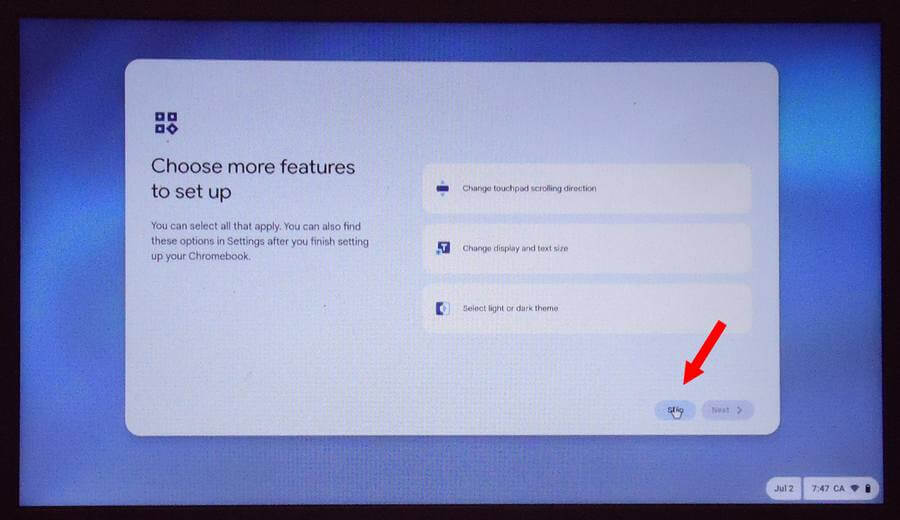
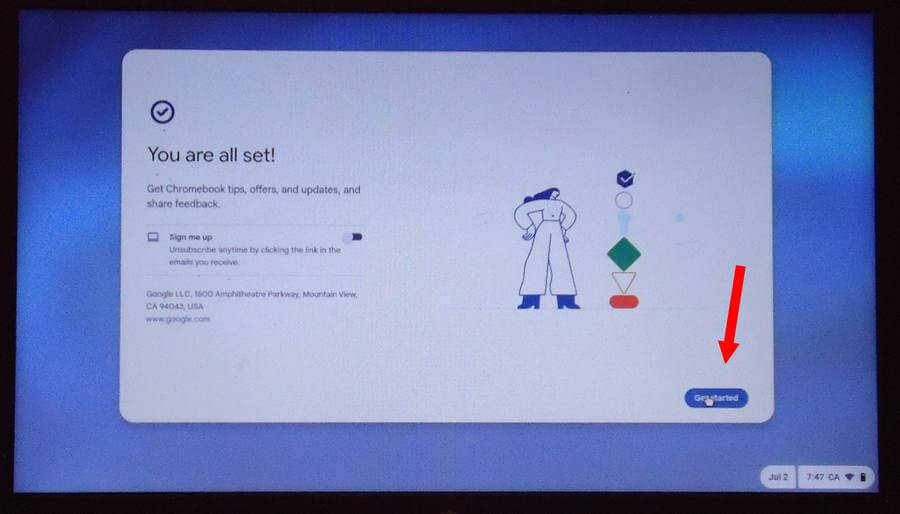
Finally, the screen “You are all set!”, click on “Get started”. And now you are on your nice shiny new clean Chromebook desktop.
Method # 2 - If you can get into the system.
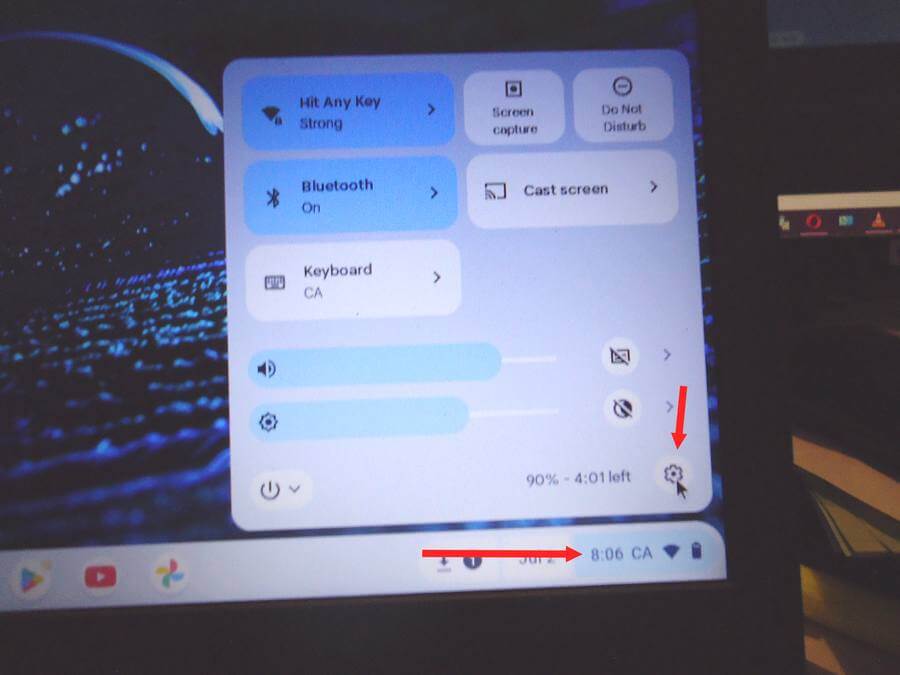
Click on the "clock and then the "Settings" icon.
Then on the left-hand side click on “System preferences”.
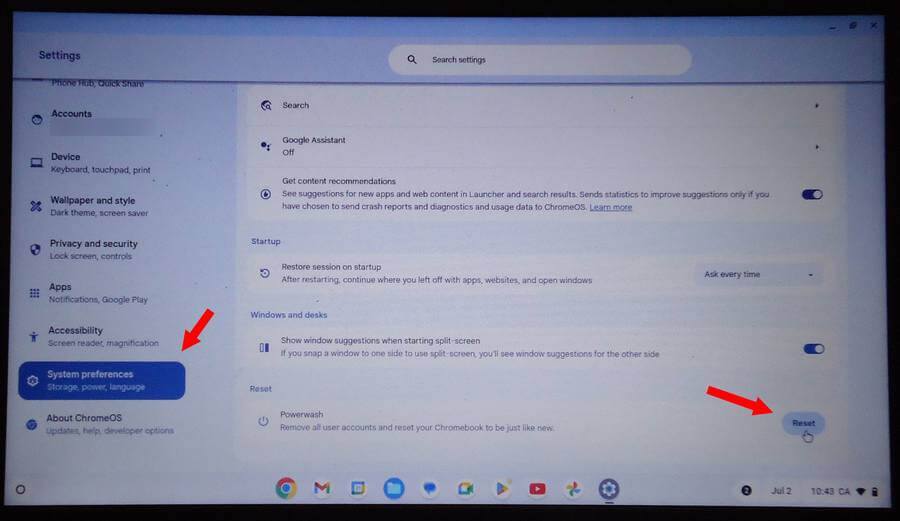
On the right, look for the “Reset” option and click on the “Reset button”.
In the “Restart your device” click on “Restart”.
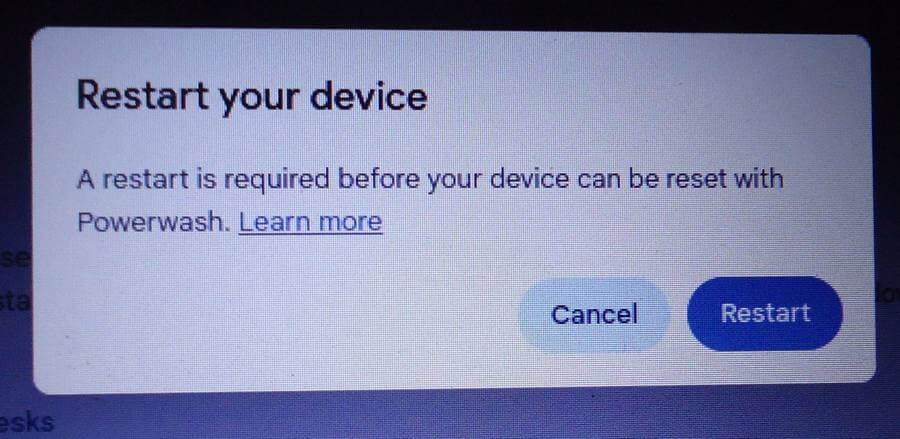
The procedure from there is the same as already outlined above.