My first article concerning this.
Opera Speed Dials. I always referred to as "bookmarks on steroids". First created by Opera, copied by everybody else. :-) The last few updates became a nightmare with issues. I think I got everything straightened out. One thing I noticed with my Speed Dials, most were just greyed out squares. Like this:
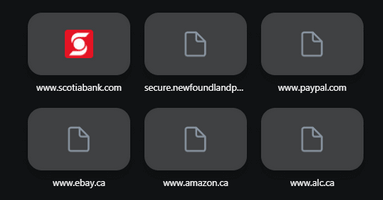
Opera managed to grab a few logos from web sites but most were gray. If you hover your mouse over a speed dial without clicking you will get three little dots appear in the top right-hand side of the thumbnail. Clicking on that will give you a menu of options. Right-clicking on the speed dial will get you the same options. I was looking for some refresh option.
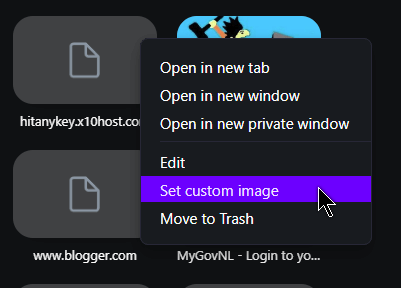
Your choices include, how you want to open it, edit, trash it or the newest option, “Set custom image”.
Note: If you already have a custom image set you will have the option to remove it.
I decided to experiment with my own HitAnyKey logo. I clicked on “Set custom image" and navigated to were the image was saved on my hard drive, selected it and that was that.
For the others I'm going to go to the pages in question and save the logos myself onto my hard drive and set them up manually. davescomputertips.com is my first speed dial. So I went to the site downloaded the logo (right-click and save image) and set that up as the speed dial logo.
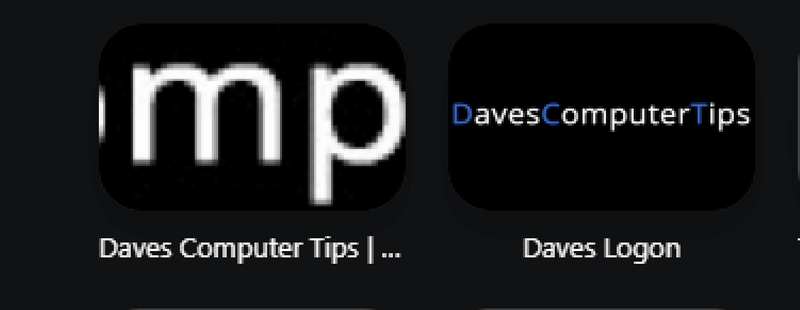
The picture I used on my own was 979x742 in size. Dave's logo was 334x33. The smaller logo did not scale will. All you see is “mp”. It looks like some will need a bit more customization. I opened my photo editor, Photofiltre 7, created a new blank image, in this case 640x480. Since most of Dave's letters are white against a black background, I set the background colour of this image to black. Then I just copy and pasted the logo onto it. Scaled it up a bit from 334 to 640. Saved it and then set it has speed dial. Read below for more detailed instructions.
The before and after.
Opera has added a new option to the Speed Dials. You can now set your own pictures for the thumbnails on the speed dials.
My method to make your own personal speed dials.
First, you need to get a copy of the logo from the website you want to set the speed dial for. I mentioned saving the logos manually but a better option would be to screen shot the page and crop out the logo. A number of logos on web pages are linked so you don't get the “Save image” option on a right-click. Also because they are small, Opera really screws them up by scaling them up in size.
I go to the website and press the “Print Screen” button on my keyboard. I use “Ashampoo Snap 2018” but you don't need any special software to capture screen shots.
A free version of Ashampoo Snap from here (probably limited functionality): www.ashampoo.com/en-us/snap-free
Then I open the screen shot in “Photofiltre 7”: www.photofiltre-studio.com/pf7-en.htm
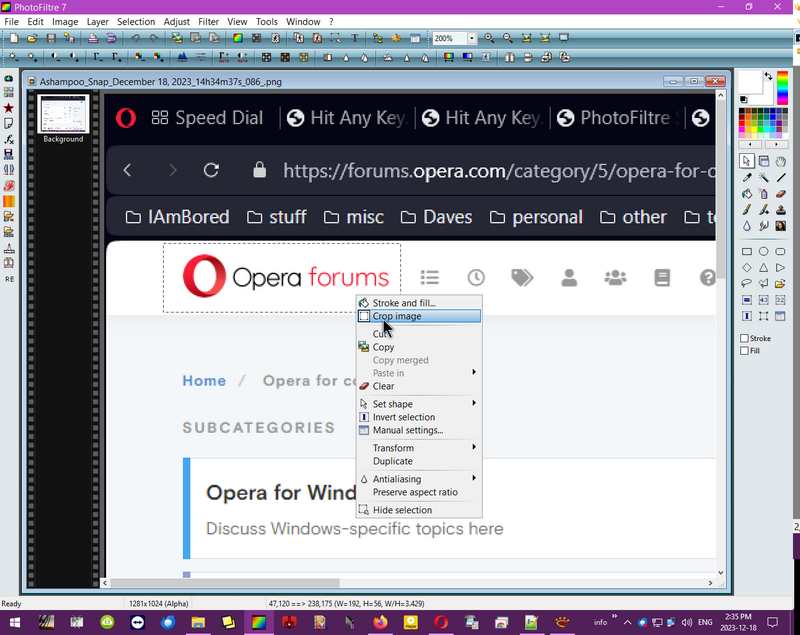
I drag my cursor around the logo area I want to save, right click on the inside of the dotted line and choose the menu option to “crop image”. Then I save it.
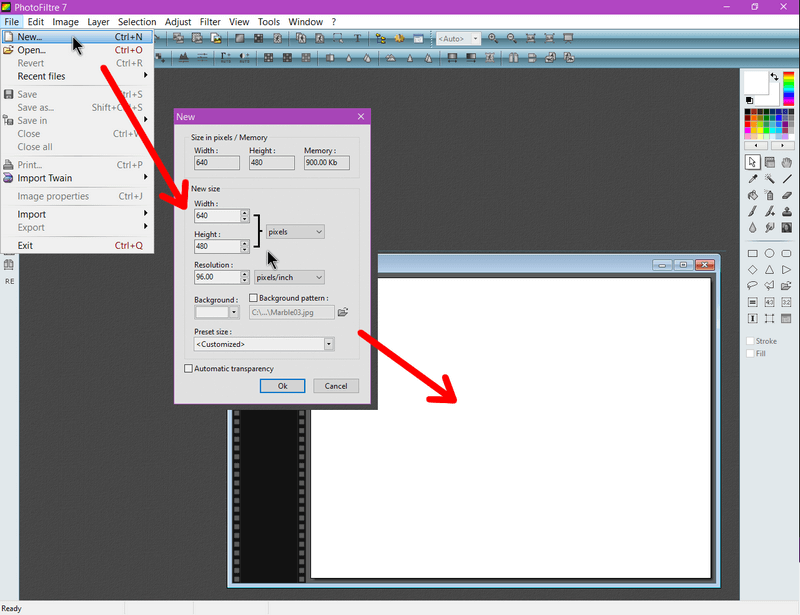
Now in Photofiltre I click on “New” and in the box that opens I type in the size I want. In my case 640x480. This creates a new blank image to work with.
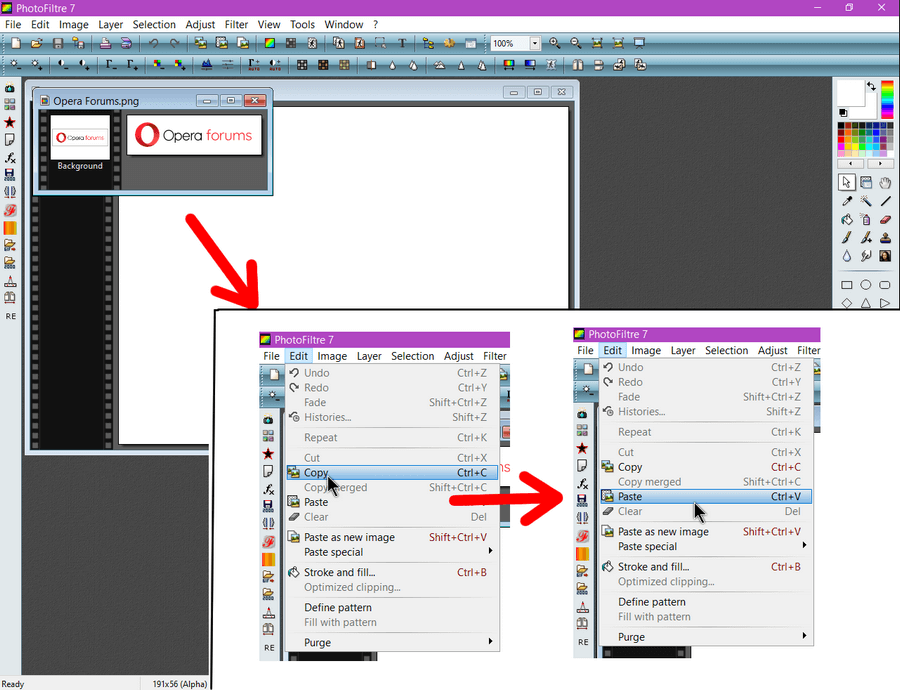
I now need to open up the cropped logo if not already opened. “File -> Open” and then find the logo on my hard drive.
In my example here I'm using the logo from “Opera Forums”. It is on top of the white background one. I click on “Edit” then “Copy”. Then I click on the white background image to make it active and click on “Edit” and “Paste”.
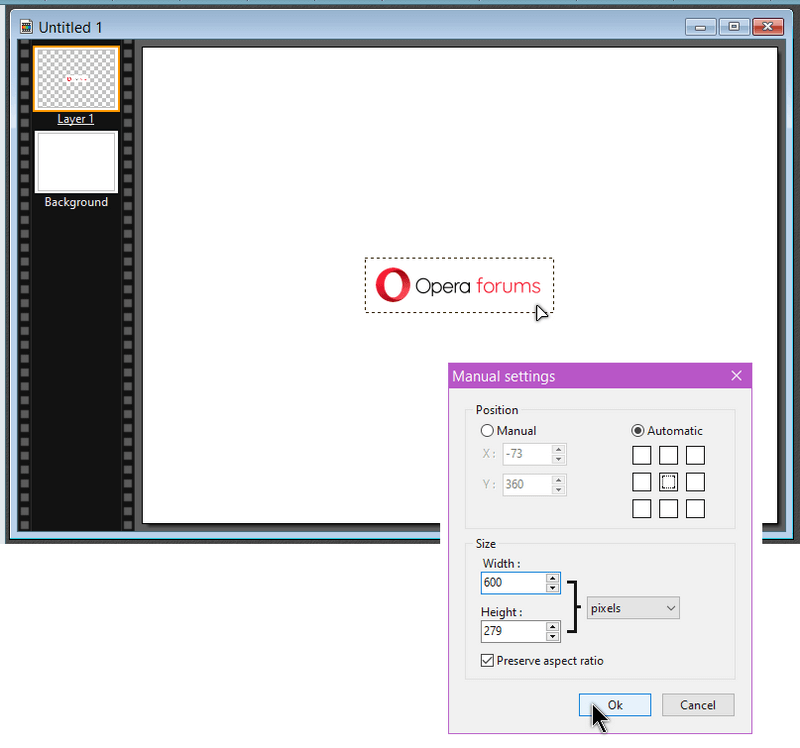
Now I have a small version of the “Opera Forums” logo on the white background. I want to make it larger. I right-click on the logo section and click on “Manual settings” in the resulting menu.
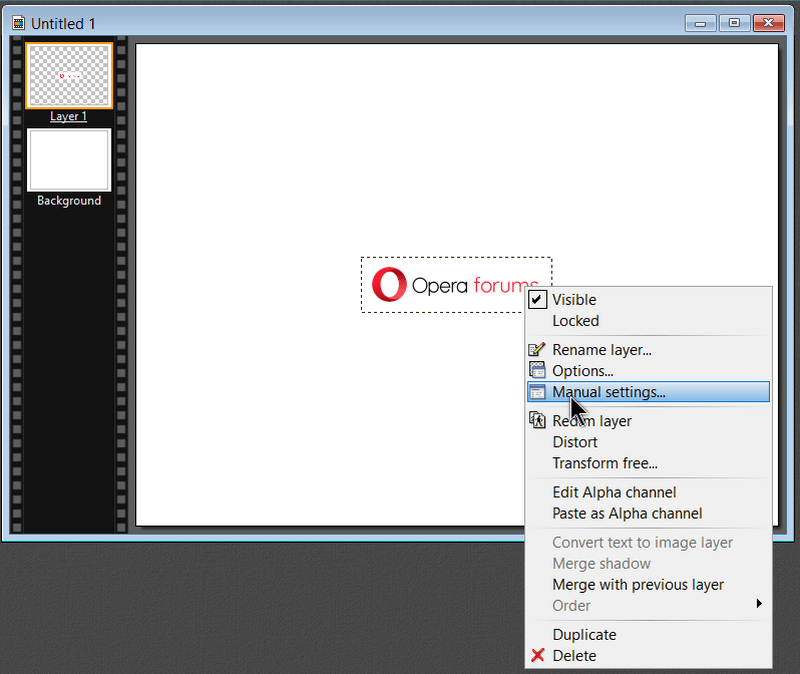
Here you can adjust the size of the “Opera Forums” logo. I set the “Width” at 600 pixels. The Height will automatic adjust if you keep the “Preserve aspect ratio” is checked. Click on “OK”
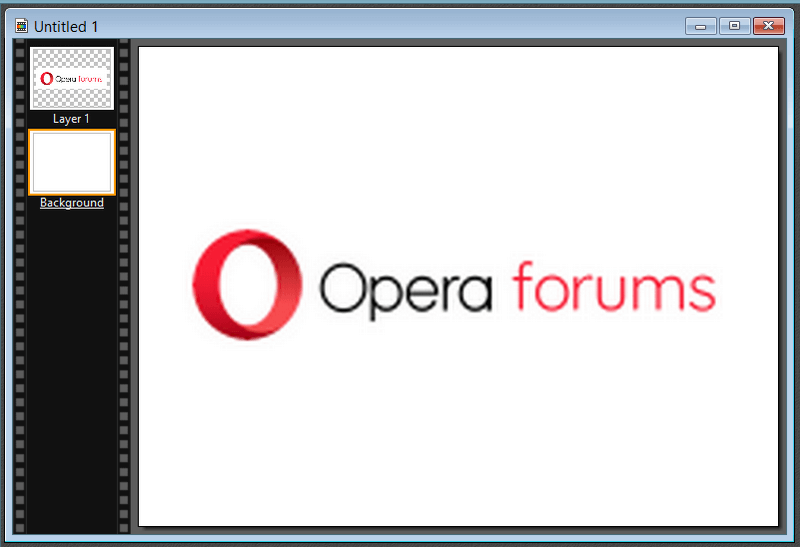
Now we have the finished Thumbnail. Save it somewhere on your hard drive. I saved them in a folder called “OperaThumbnails”.
Finally, go to Opera and right-click on the thumbnail in question. Select “Set custom image” and find the newly created thumbnail on your hard drive.
Here are the before and after dials.
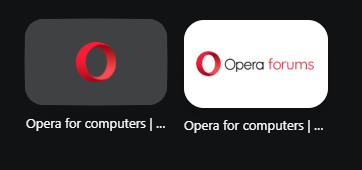
If you are just satified with a logo from the site but Opera still doesn't grab them all: Here's a simple trick to get a logo thumbnail. Works on some but not all websites. Set a custom image, don't matter the image, then right-click on it and click on “Remove custom image”. You'll then see a logo there on the thumbnail. Works only on some sites and not all but I don't know why.